|
|
|
|
Viewing documents
Click the document title in eFOTG.
When prompted, choose Open or Save.
Save large documents (> 2 MB) rather than opening them within eFOTG. After saving, open them in the appropriate application.
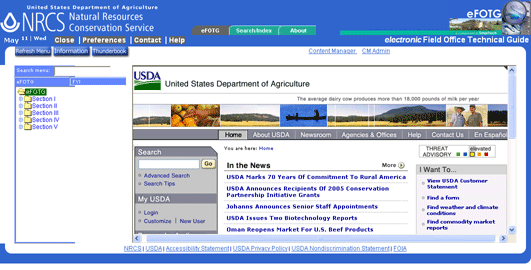
Documents opened in eFOTG are displayed either in the right side of the screen or in a separate window depending upon how Preferences are set.